
Calendar View
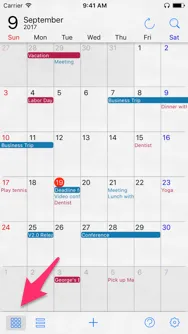
Calendar View gives you a clean, month-at-a-glance overview of your schedule. Tap the leftmost button on the bottom toolbar to switch to it.
Tap any date to open the Day Detail Window, where all of that day’s events are gathered in one place.
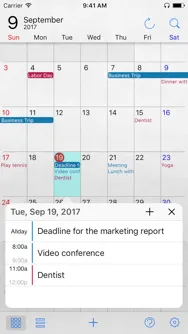
Open an event’s details
Tap an event title to see its full details.
Add a new event
With a date selected, tap either + button to create a new event on that day.
Close the Day Detail Window
Tap the × button — or simply scroll the calendar — to dismiss the Day Detail Window.